TLDR: You.com and One are combining the You.com Research API with One, the agent infrastructure platform, to automatically score every account in a rep's territory by spend potential—without manual research or spreadsheets.
A weekly agent loop pulls unscored or stale accounts from Salesforce, runs targeted multi-step research on each one (funding rounds, headcount trends, tech stack signals, public budget announcements), maps the output to a 1–5 tier with a written rationale, and writes the score directly back to the Salesforce record. Reps open Salesforce and find a pre-ranked territory waiting for them.
The Problem With How Reps Score Accounts Today
Most sales territories are not ranked, they’re stacked. Reps inherit a list of accounts, spend the first week of the quarter trying to figure out which ones are worth calling, and build informal scoring models in spreadsheets that no one else can see, update, or trust. The rep who leaves takes the model with them.
When teams do actually formalize scoring, it usually gets done once at the start of the year by RevOps, based on firmographic data from the CRM enrichment vendor—headcount ranges, industry codes, revenue estimates that are often 18 months stale. That score sits on the record until someone remembers to refresh it.
The underlying problem is that gathering account intelligence—at scale—has required either expensive point solutions or manual research time that reps don't have.
What the You.com + One Integration Does
You.com and One are building an automated spend-scoring loop that runs directly against your Salesforce territory data.
Here's how it works.
An agent running on One monitors Salesforce on a weekly cadence, querying for accounts where the spend score field is null or where the Last_Researched__c timestamp hasn't been updated in 30 or more days. That pull runs automatically (without a trigger from a rep or an ops team).
For each account that meets that condition, One routes a research job to the You.com Research API. This isn't a single-query lookup. The Research API runs a multi-step process. It first identifies what's publicly known about the company then systematically surfaces signals that correlate with near-term spend capacity. The query targets recent funding announcements, headcount growth rates from LinkedIn and job posting velocity, known technology investments based on job descriptions and press coverage, any public statements about IT or software budgets, and industry-level spend benchmarks by segment.
The Research API returns a structured summary and One applies a scoring function that maps that output to a 1–5 tier—with 1 representing accounts where signals are weak or absent and 5 representing accounts with multiple active buying indicators—along with a two-sentence rationale explaining what drove the score. A newly funded Series B SaaS company with 40% headcount growth and active DevOps hiring, for example, scores differently than a flat-headcount enterprise with no recent signals.
One then writes three fields back to the Salesforce record: the spend tier, the rationale summary, and a Last_Researched timestamp. No rep interaction required.
What Reps See When They Open Salesforce
A ranked territory.
The accounts with the highest spend scores surface at the top of any filtered view. Each record shows the tier, the rationale, and when the research was last run. A rep can look at a score-5 account and read: "Company announced a $50M Series C in April 2026 and has opened 23 software engineering roles in the last 60 days, suggesting active infrastructure investment."
That's actionable in a way that a generic firmographic band isn't.
Scores also refresh automatically. An account that scores a 2 in January because there's no signal gets re-evaluated in February. If they announce a funding round or start hiring in a new technical area, the score updates before the rep's next pipeline review.
The Stack
The integration runs on three components:
Salesforce serves as both the source of truth for territory accounts and the destination for enriched data. No new system of record or data migration needed.
You.com Research API handles the research workload. The API is built for multi-step queries that require synthesizing information across sources, not just keywords. For account scoring, that distinction matters. A single search for a company name doesn't surface budget signals. A structured research process that asks about funding, hiring patterns, and technology investment does.
One provides the agent infrastructure. The agent logic polls Salesforce on a schedule, routes research jobs to the You.com Research API, applies the scoring function, and writes results back to the CRM. One gives AI agents production-grade access to Salesforce and 450+ other platforms, so the integration doesn't require custom middleware or a separate data pipeline, and the same loop can extend to any other system in the stack.
Why This Matters Beyond the Time Savings
The obvious benefit is that reps stop spending Monday mornings building their own scoring models. But the more durable benefit is consistency.
When scores are generated by the same research process against the same signals on the same cadence, territory prioritization becomes auditable. RevOps can look at which tier-4 and tier-5 accounts got worked, how conversion rates differ across tiers, and whether the scoring model is actually predictive—then feed that back into how the function is tuned. That feedback loop doesn't exist when scoring lives in individual spreadsheets.
The research signal also degrades more slowly than firmographic data. Funding announcements, headcount trends, and hiring patterns reflect current company trajectory. An account that looked average on paper last quarter may look very different after a capital raise.
Get Started
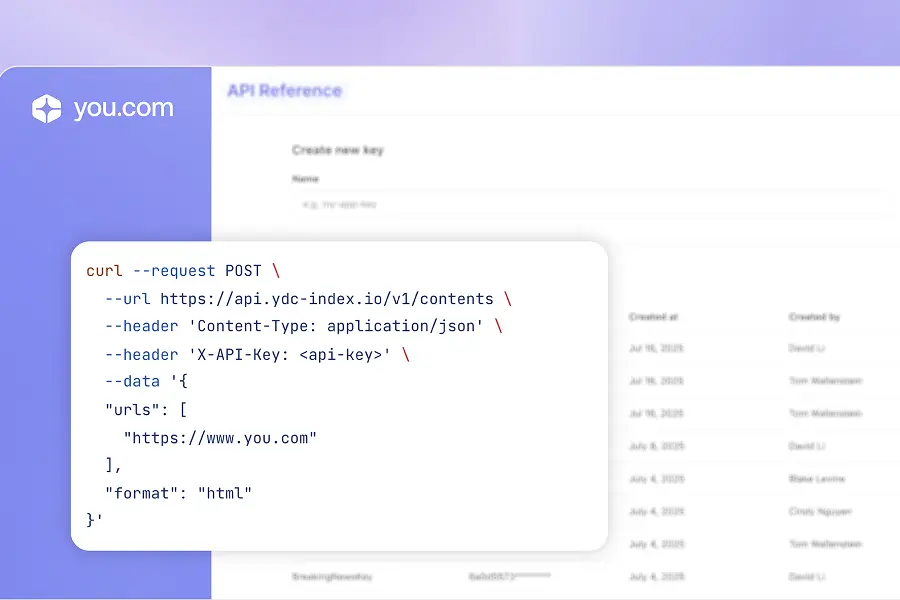
The You.com Research API and One integration is available now. If you're building with Salesforce and want to see what automated account scoring looks like against your territory data, contact your You.com team or explore the Research API documentation, or get started with One at withone.ai.


.webp)

.jpg)

.webp)

.jpg)
.jpg)
.jpg)